

|
How ExtraClock Gives an Old iPad or Tablet a New Purpose |
It's really simple: open your personal ExtraClock link in the browser on your old iPad, tablet, smartphone or TV.
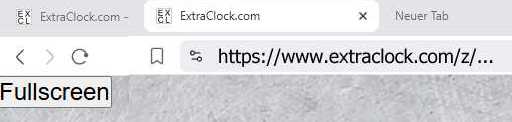
Click the "Fullscreen" button. ExtraClock fills the screen and your old device becomes a stylish word clock.
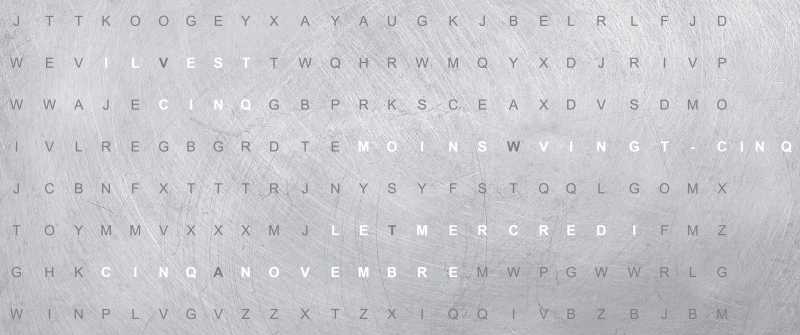
To exit fullscreen mode, click the blinking dot in the upper left corner. Then fullscreen mode ends.
That's it.

How does it work with older iPads?
It's easy: add your word clock link to your Home Screen.
Just five simple steps to turn your own device into a digital word clock!
To display your word clock like an app, without the distracting browser address bar, follow these steps:
1. Open Safari and enter your word clock link
Open your personal ExtraClock link in Safari.
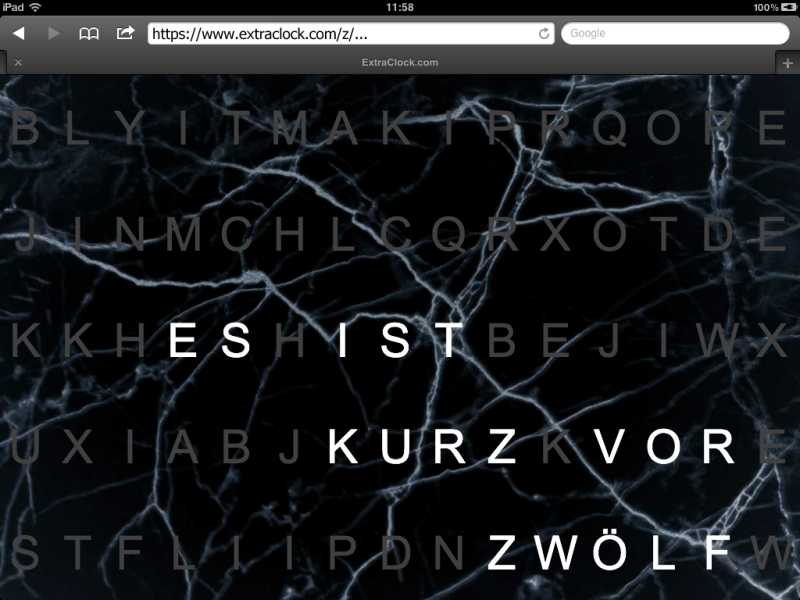
2. Tap the Share icon
At the bottom center, you'll see a square with an upward-pointing arrow – the Share icon.
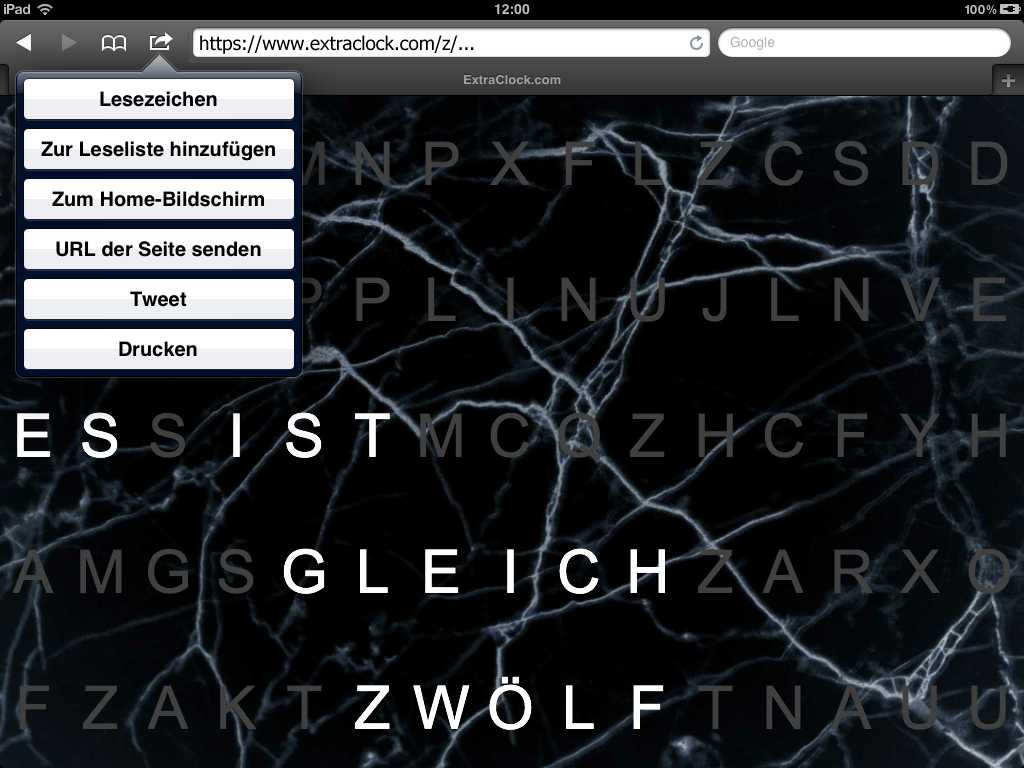
3. Select “Add to Home Screen”
Scroll down the list and tap “Add to Home Screen”.
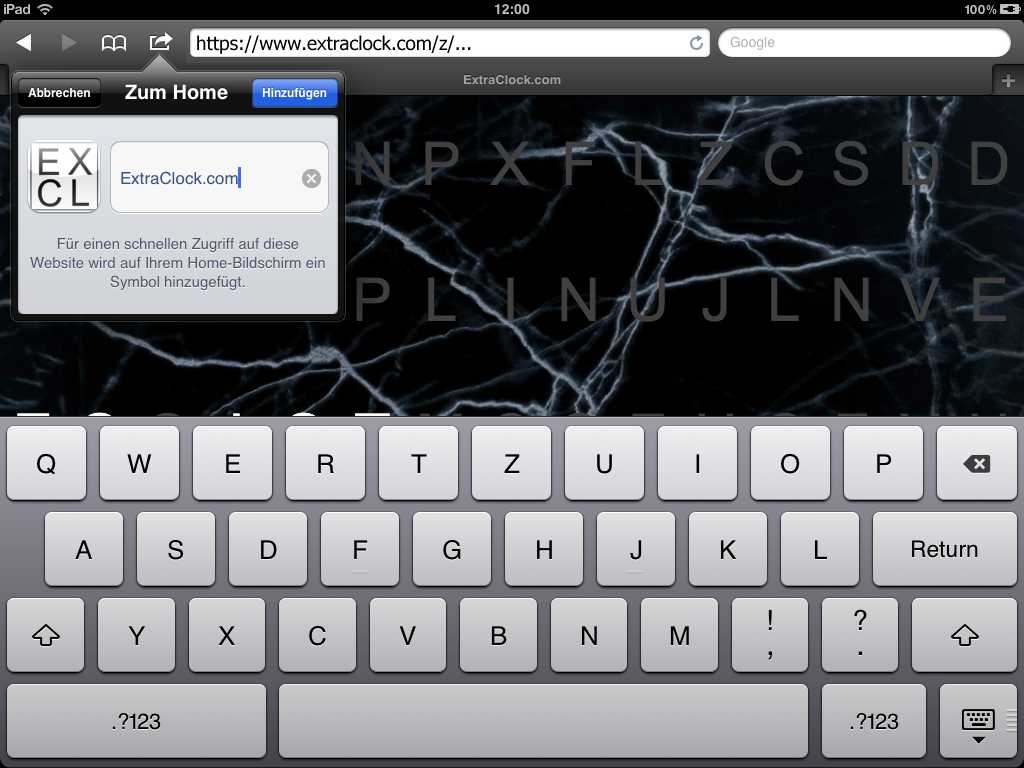
4. Confirm by tapping “Add”
You can give it a name (e.g. Word Clock). Then tap “Add”.
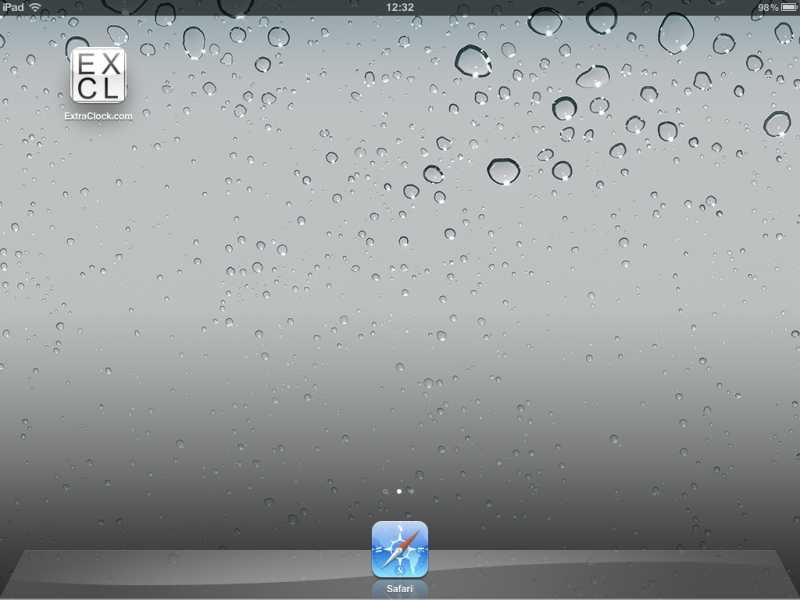
5. You're done!
You can now launch your word clock in fullscreen from the icon on your Home Screen.
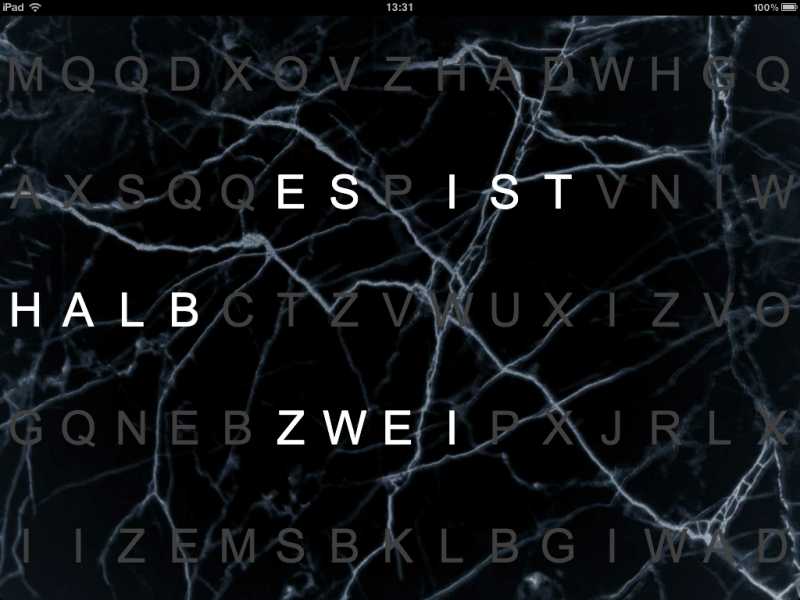
Here's the result!
On some older iPads, the steps may look a little different:
1. Open Safari and enter your word clock link
Open your personal ExtraClock link in Safari.
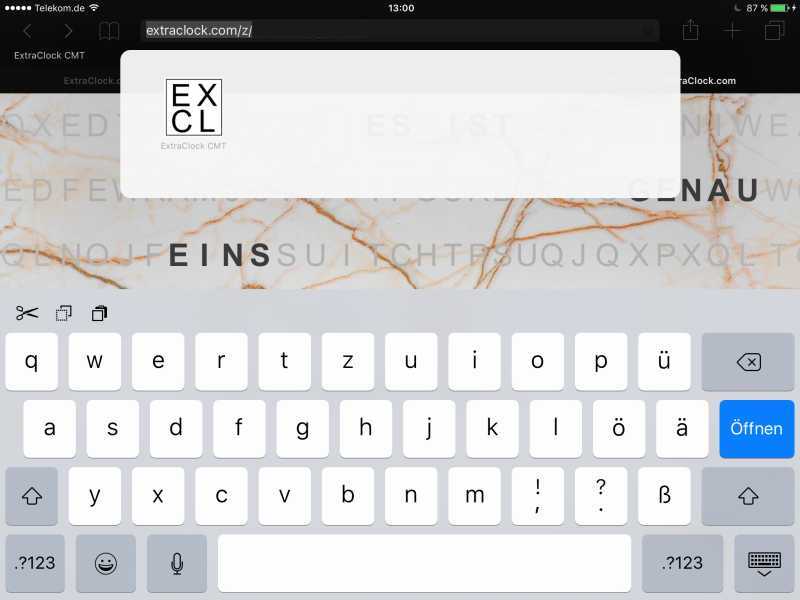
2. Tap the Share icon
At the bottom center, you'll see a square with an upward-pointing arrow – the Share icon.
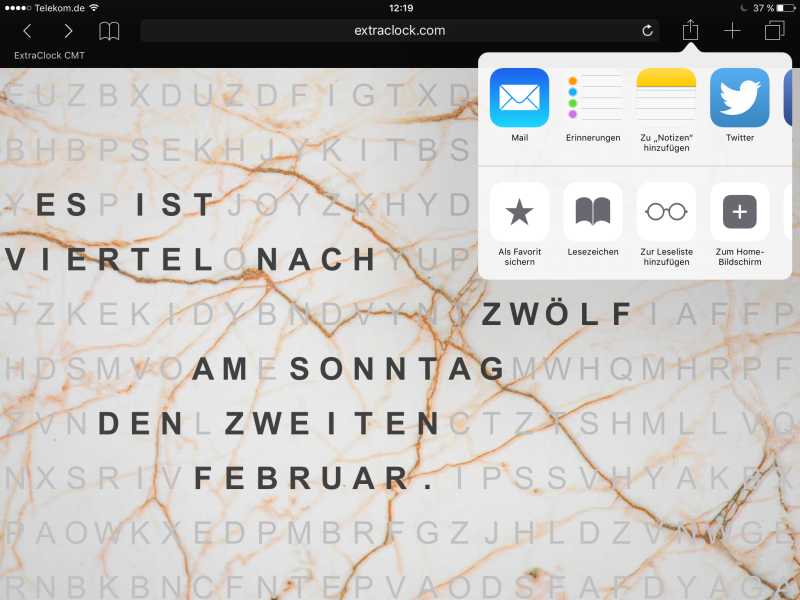
3. Select “Add to Home Screen”
Swipe left through the options and tap “Add to Home Screen”.
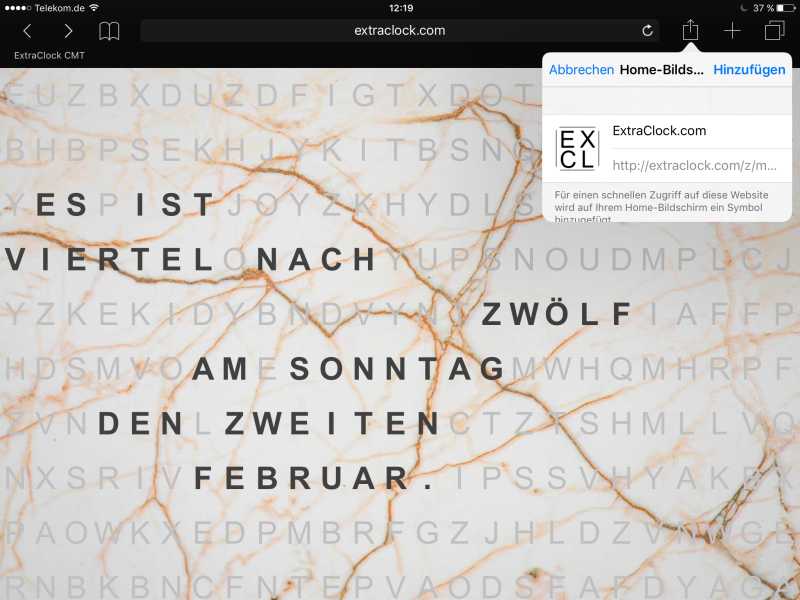
4. Confirm by tapping “Add”
You can give it a name (e.g. Word Clock). Then tap “Add”.
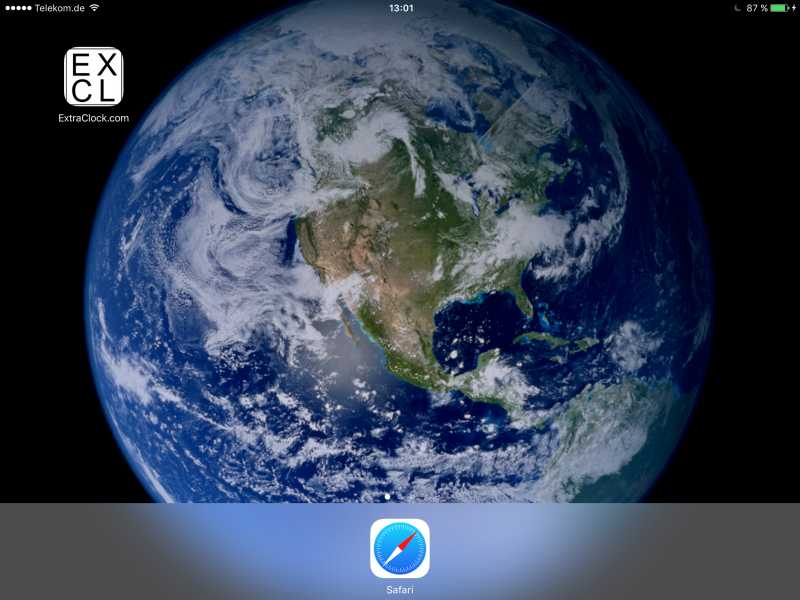
5. You're done!
You can now launch your word clock in fullscreen from the icon on your Home Screen.
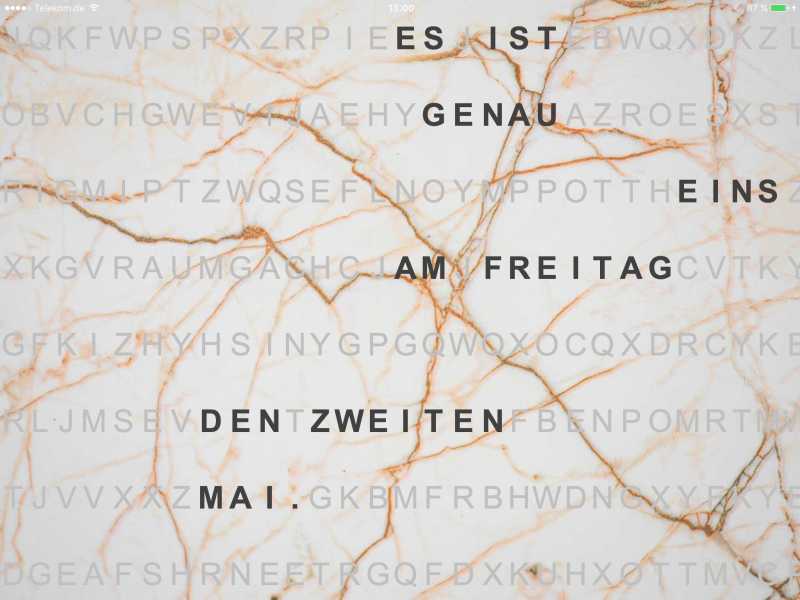
Here's the result!